


Where to Buy a SIM Card at Sydney Airport
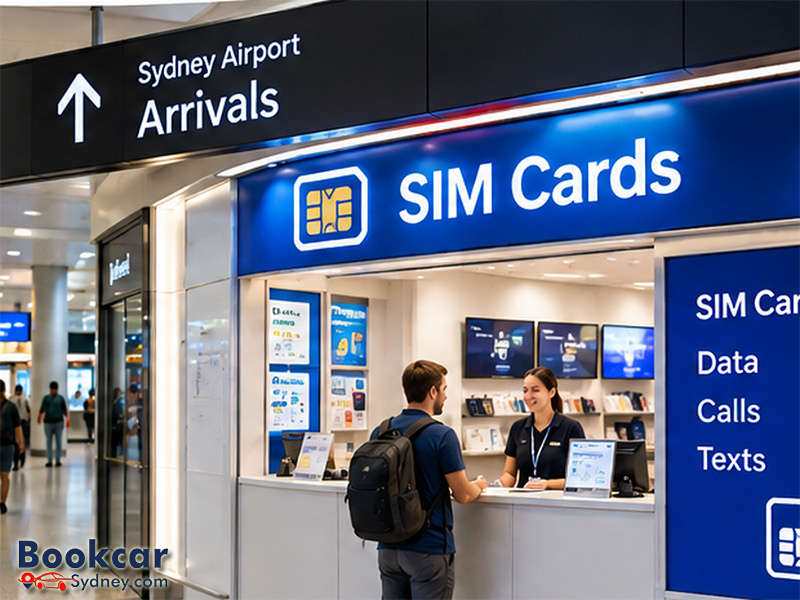
SIM card shops at Sydney Airport international arrivals
The main place to buy a Sydney Airport SIM card is the public arrivals level of T1 International. The airport’s official shop directory lists these mobile retailers on Level 1, before the security-controlled departure area.
|
Retailer |
T1 arrivals location |
Opening hours |
|
Optus |
Near Arrivals Exit A and Arrivals B |
Hours may vary with flight schedules |
|
Vodafone |
Near Arrivals Exit A and Arrivals B |
Hours may vary with flight schedules |
|
SIM Planet |
Listed for Arrivals A and B; both listings give a position near Arrivals Gate B |
Daily, 6 am–10 pm (published hours) |
Arrivals A and Arrivals B are separate exit areas within T1. You do not need to go through departures security to reach these publicly accessible shops. The SIM Planet listings have inconsistent A/B naming, so use their shared “near Arrivals Gate B” location detail as your guide, or ask at an airport information desk.
Store availability and advertised deals can change. If a particular network or plan matters to you, check the Sydney Airport shop directory or the provider before travelling.
How to buy and activate a SIM after landing
If you arrive on an international flight and want mobile data before heading into Sydney, the simplest approach is to visit a staffed counter on your way out.
- Complete passport control, collect your checked baggage and pass through customs and biosecurity checks.
- Enter the public T1 arrivals hall and look for the mobile retailer counters near Arrivals A or B.
- Tell the staff how long you are staying, where you plan to travel and whether you need calls, texts and data or data only.
- Choose a prepaid plan and provide the identification required for activation.
- Before leaving the counter, check that your phone has connected to the network and that data, calls or texts work as required.
Bring your passport and an unlocked, compatible phone. Australian prepaid mobile services require identity verification before activation. Vodafone specifically asks international visitors to use a valid international passport when activating its prepaid service. Staff may be able to help with setup, but the activation process and the time it takes can vary by provider.
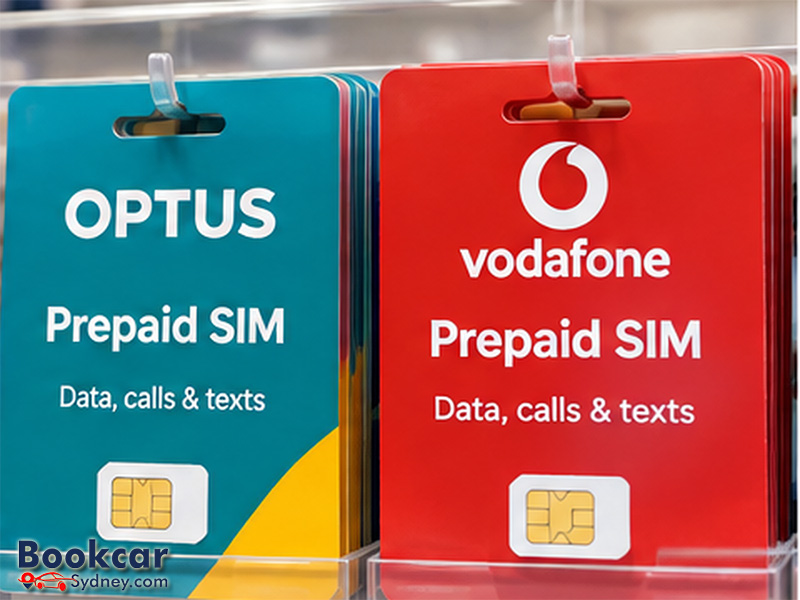
Which SIM card should you choose?
Optus and Vodafone are direct network-provider options at T1. SIM Planet sells mobile products from major Australian providers, making it useful if you want to discuss more than one network at a single counter. The best choice depends on your itinerary and how you use your phone, rather than the shop’s sign alone.
- Coverage: If you are travelling outside Sydney, check the provider’s coverage map for your actual route, especially smaller towns and remote destinations.
- Plan length: Match the prepaid expiry period to your stay and check whether unused data rolls over or expires.
- Data allowance: Consider maps, ride-hailing, video calls, hotspot use and any work you will do while travelling.
- Calls and texts: Confirm whether the plan includes an Australian mobile number, local calls, SMS and any international calling allowance.
- Total price: Ask for the amount payable today, what is included and the cost of a future recharge.
Airport promotions are not fixed prices. Compare the actual plan inclusions and expiry conditions at the counter rather than assuming that a heavily advertised data allowance is the best value.
Physical SIM or eSIM: what works better on arrival?
A physical SIM is a straightforward choice if your phone has a compatible SIM slot and you want in-person setup help. An eSIM works without swapping a plastic card, but your phone must support eSIM and be unlocked for use with another provider.
A local Australian prepaid eSIM may include a mobile number, calls and texts. By contrast, many international travel eSIMs are data-only. If a hotel, tour company or transfer driver needs to call or text you, check that your chosen plan provides those functions before paying.
If you keep your home SIM active alongside an Australian SIM or eSIM, review your home provider’s roaming settings and charges. It is possible to leave a home number available for essential messages without using it as the mobile-data line, depending on your phone and plan.
What if you land at T2 or T3, or arrive late?
T2 and T3 are Sydney Airport’s domestic terminals. The airport’s current retailer listings identify the dedicated Optus, Vodafone and SIM Planet arrivals counters at T1, not T2 or T3. If your flight arrives domestically, do not assume there will be an equivalent staffed SIM shop beside your baggage carousel. You can buy a prepaid plan later from a mobile provider or authorised retailer in Sydney, or arrange a compatible eSIM beforehand.
Late international arrivals should check shop hours in advance. SIM Planet publishes daily opening hours of 6 am to 10 pm, while the airport says Optus and Vodafone trading times may change with flight schedules. A shop may be closed when you reach arrivals even if your flight lands while the terminal is operating.
For an internet connection while you sort out a SIM, Sydney Airport provides free Wi-Fi in its terminals. Choose the “Sydney Airport Free WiFi” network and follow the sign-in prompts. This can help you contact your accommodation, retrieve an eSIM activation email or check a provider’s latest shop details.
