


Sydney Airport Flight Arrivals: Live Times and Status
Where to check live Sydney Airport arrivals
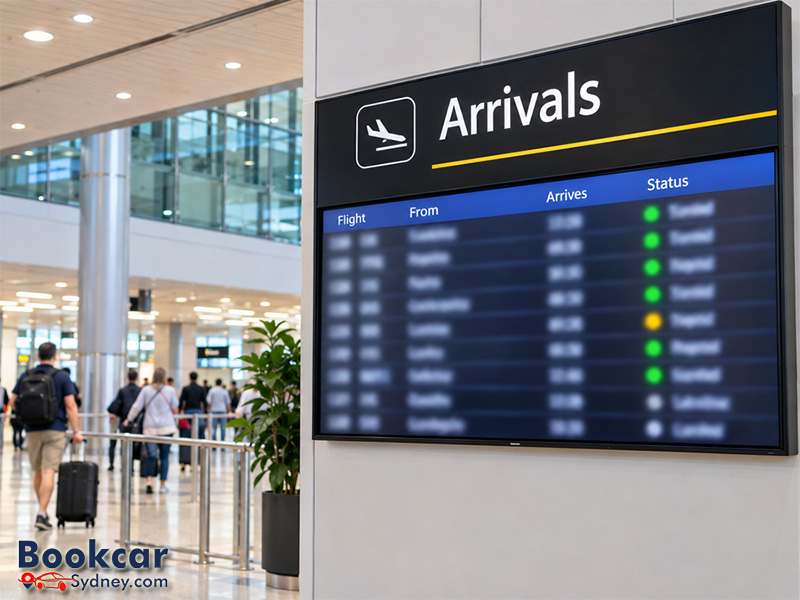
The most direct source is the official Sydney Airport flight arrivals board. It covers incoming flights at Sydney Kingsford Smith Airport (SYD), including domestic and international services, and displays the terminal, scheduled time, estimated time and flight status when available.
To find a particular arrival:
- Open the flight listing and select Arrivals rather than Departures.
- Choose Domestic or International to narrow the list.
- Enter the flight number, origin city or airline in the search field.
- Check the date, flight number and terminal, then compare the Scheduled, Estimated and Status columns.
- Refresh the listing closer to arrival, especially if the flight is delayed or conditions change.
Searching by flight number is usually the clearest option when several services arrive from the same city. If the passenger has a codeshare booking, check the operating flight number as well as the number shown on the ticket.
What scheduled, estimated and landed times mean
An arrivals board can show several pieces of timing information for the same flight. They answer different questions, so they should not be treated as interchangeable.
|
Board field |
How to interpret it |
|
Scheduled |
The arrival time published in the flight timetable. It remains a useful reference even when a delay is reported. |
|
Estimated |
The latest displayed forecast of when the aircraft is expected to arrive. It may move earlier or later as information changes. |
|
Status |
The flight’s reported state, such as On Time, Delayed or Landed. A status change may be more informative than the original timetable. |
A “Landed” status means the aircraft has arrived, not that the traveller is already outside the terminal. After landing, passengers may still need to disembark, collect baggage and, for international flights, complete arrival formalities. Those steps can affect the time they reach the public arrivals area.
Check the correct arrivals terminal
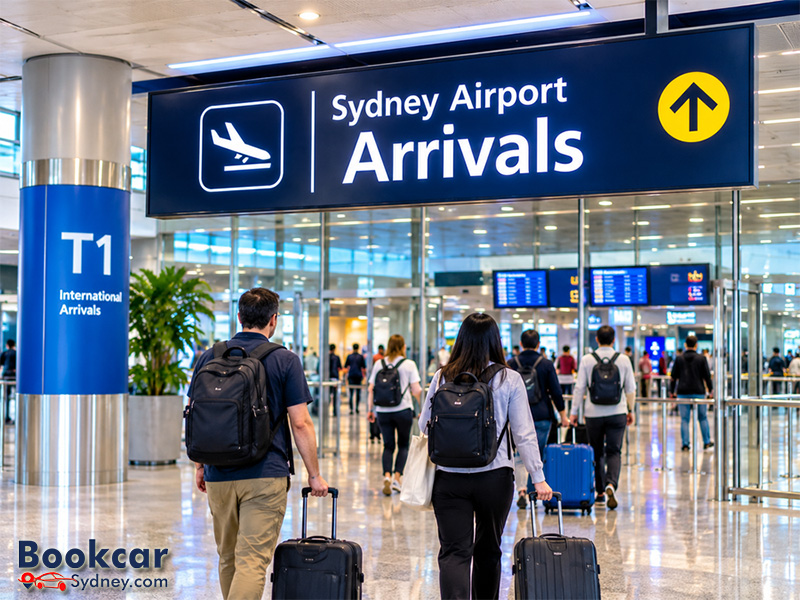
Sydney Airport separates international and domestic services across three terminals: T1 is the international terminal, while T2 and T3 handle domestic flights. The exact terminal shown for a flight is more useful than assuming one from the airline name alone.
- International arrivals: select International and check whether the flight is listed at T1.
- Domestic arrivals: select Domestic and confirm whether the flight is assigned to T2 or T3.
- Codeshare or unusual services: use the flight details and the operating airline’s information to avoid following the wrong flight number or terminal.
Confirm that the airport code is SYD. Flights using another Sydney-area airport will not appear on the SYD arrivals board.
Other ways to follow an incoming flight
Flight information screens inside the terminal
Once you are at the airport, check the flight information displays in the public terminal areas for current arrival details. Sydney Airport advises travellers to use these screens for regular updates because online information is not guaranteed to be complete or perfectly timely.
Airline notifications and flight tracking
The airline’s website or app is useful when you need confirmation of a cancellation, a significant schedule change or a rebooking. On the airport listing, look for a “Stay updated” option beside the relevant flight if you would like available flight alerts. For an additional view of an aircraft’s progress, Flightradar24’s SYD arrivals page provides a live arrivals feed. Treat aircraft tracking as supplementary rather than as confirmation of the airport terminal or passenger collection point.
Use the landing time to plan a pickup
If you are meeting a passenger, monitor the Estimated time and Status as the flight approaches Sydney. Do not plan to meet someone at the public exit at the exact time the aircraft is scheduled to land: the flight’s arrival and the passenger’s emergence from the terminal are separate events.
For international services, allow for disembarkation, passport control, baggage collection and any applicable customs or biosecurity checks. Domestic passengers may also need time to leave the aircraft and collect checked luggage. The time required varies, so there is no single reliable number of minutes to add to every flight.
Agree on a meeting point and confirm the correct terminal before setting off. Follow the airport’s current signs and pickup-area instructions on the day rather than assuming the arrivals doorway is also the correct vehicle pickup point.
If the flight does not appear or the time looks wrong
First check that you have selected Arrivals, the right domestic or international filter, and the correct Sydney-local date. Then try the flight number rather than just the origin city, or search for the operating airline on a codeshare booking.
If the flight still cannot be found, check the airline’s own flight-status page. An unlisted flight, a blank estimate or a temporarily unchanged status is not proof that the aircraft is on time. Flight information can be revised, and Sydney Airport cautions that it cannot guarantee the accuracy or timeliness of its online listing.
